Coupling pairs a Zimarker code with your pallet ID, linking the Zimarker to a pallet. The Coupling API does that programmatically: your software allocates codes, prints them, and couples them to pallets using the API.
Zimark produces and owns the pool of Zimarker codes for your organization. The API is the management layer around that pool, and it has two operations.
Allocate takes the next unassigned code out of the pool and returns it with a printable image. Allocation is exclusive and atomic: a code is issued once, to one caller, and never reused. Once allocated, that marker is yours and cannot be handed to anyone else.
Couple binds an allocated code to a pallet ID, along with any custom fields. From that point on, a camera reading the marker knows which pallet it is looking at.
One API call per label. Get-and-couple allocates and couples in a single request, returning the code and image synchronously so the label can print straight away. This is the simplest pattern and the usual starting point. It assumes a working connection at print time.
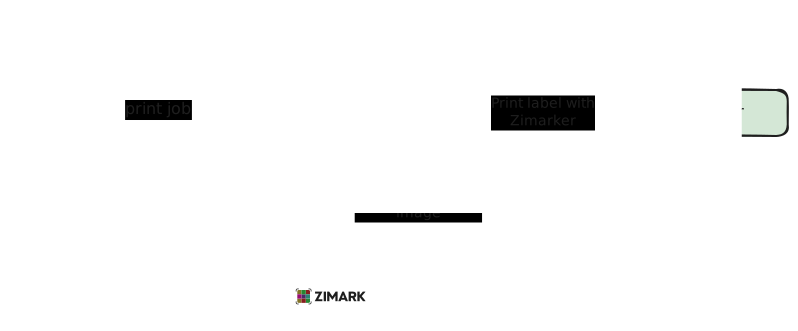
Allocate a batch of codes ahead of time and store them on the print server. Your software draws from the bank locally, so no call to Zimark sits in the printing loop.
That makes printing faster, since there is no network round trip per label, and more resilient, since labels keep coming when the connection is slow or down.
Coupling does not have to happen while the label prints. Store the code and pallet ID together as each label goes out, then couple later, in batches or once the connection returns. Keeping that pairing is the only requirement; when it reaches Zimark is up to you.
Codes drawn into a bank count as allocated, whether or not they are printed, and cannot be returned to the pool. Size the bank to the outage you want to cover.
| Operation | What it does |
|---|---|
| Allocate | Reserves the next unassigned code, or a batch taken as a single all-or-nothing block. Returns each code with its marker image. Always synchronous. |
| Get-and-couple | Allocates a code and couples it in one call. The code and image always come back synchronously; the coupling information returns now or via the webhook. |
| Couple | Couples an already-allocated code to a pallet ID and custom fields. Marker uniqueness and the already-coupled rule are enforced here. |
| Marker image | Renders any code as a PNG at a stable URL. Public, no authentication, and deterministic, so the same code always gives the same image. |