This guide demonstrates making your first authenticated request to the Zimark API.
Before you begin, ensure you have:
- ✅ Access to a Zimark environment
- ✅ REST base URL: https://api.zimark.link/
- ✅ An API key (create one)
Test your API key by fetching users from your organization.
Use the interactive API documentation:
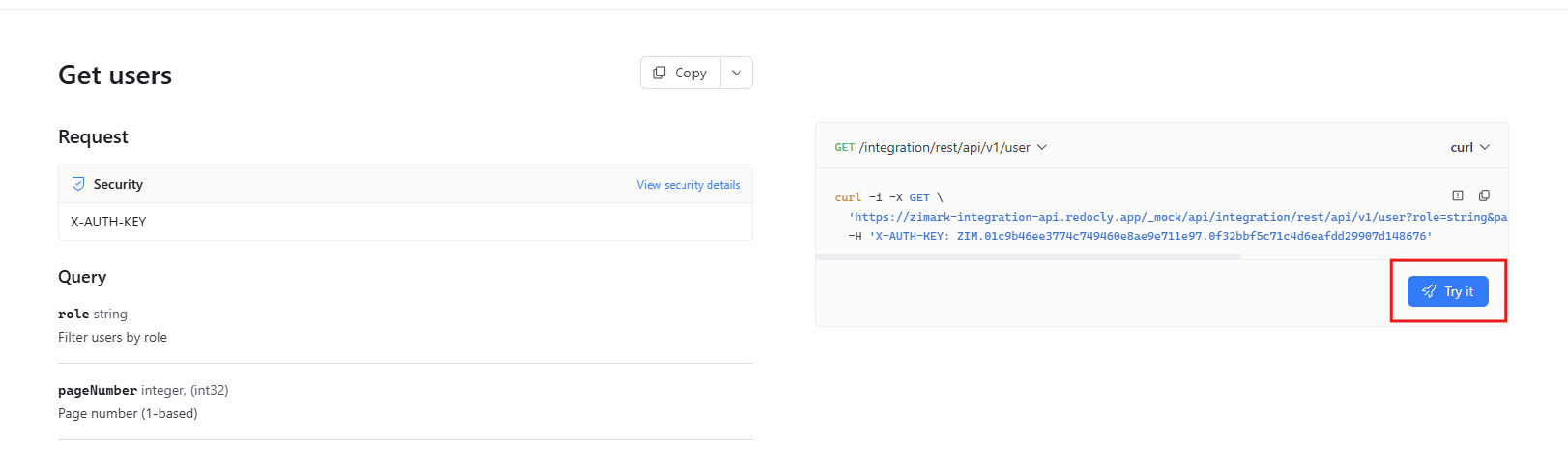
Open Get Users
Click Try it
Select your environment

Add your API key to the
X-AUTH-KEYheader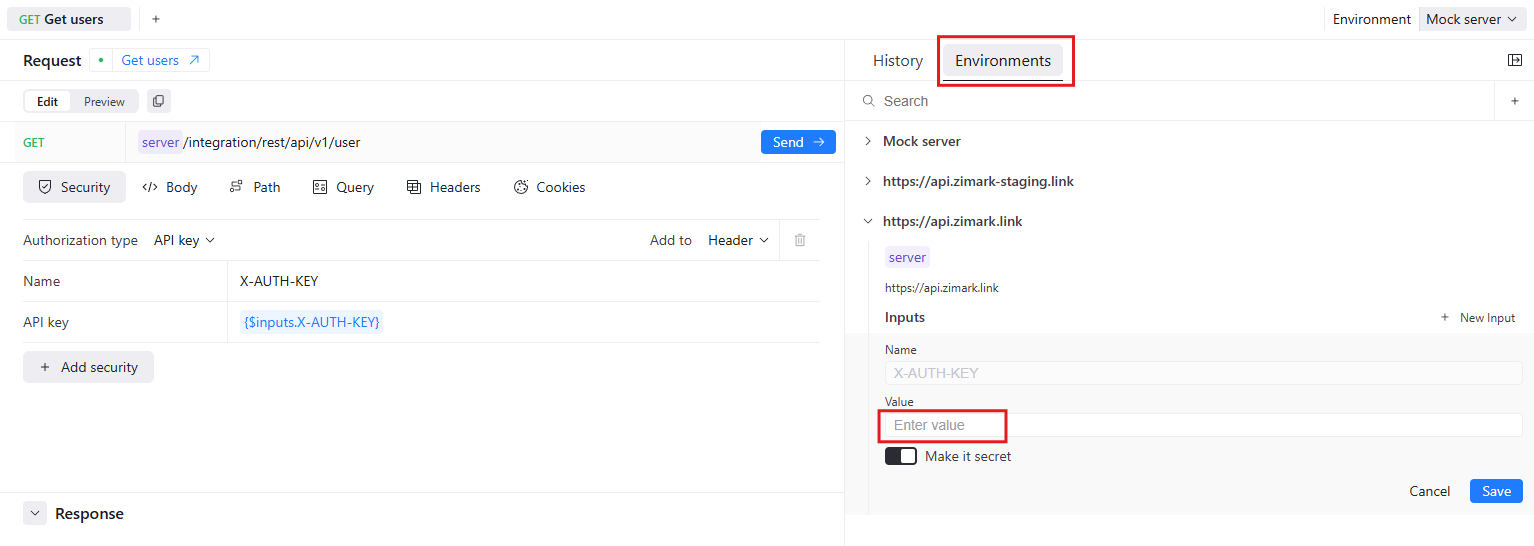
Click Send
curl -X GET "https://api.zimark.link/integration/rest/api/v1/user?pageSize=5" \
  -H "X-AUTH-KEY: ZIM.your-api-key-here" \
-H "Content-Type: application/json"{
"content": [
{
"firstName": "John",
"lastName": "Doe",
"email": "john.doe@example.com",
"authority": {
"authorityName": "Organization Admin"
}
}
],
"totalElements": 1
}